By the end of this course, you’ll have a system where Claude knows your goals, your tasks, your patterns — and can act on them.
Software interfaces force their way of thinking on us. Notion wants hierarchy. A CRM wants structured fields. ChatGPT has chat threads and projects.
All require clicking, learning the interface, and thinking in their terms.
Chatbots promised to solve this, but they mean re-explaining yourself, outputs that sound nothing like you, and the feeling that AI is more work than it’s worth.
One Kitchen
Imagine asking someone to cook you dinner — but their ingredients are scattered across five grocery stores.
They’d spend more time driving, searching, and purchasing than cooking.
That’s how most AI tools work today. They can help if you do the legwork: copy-pasting, explaining what’s where, bridging the gaps between apps.
When Claude has your tasks, your notes, your files, your goals — all within reach — it stops being an assistant you have to manage and starts becoming a chef.
The more you give, the more Claude can help.
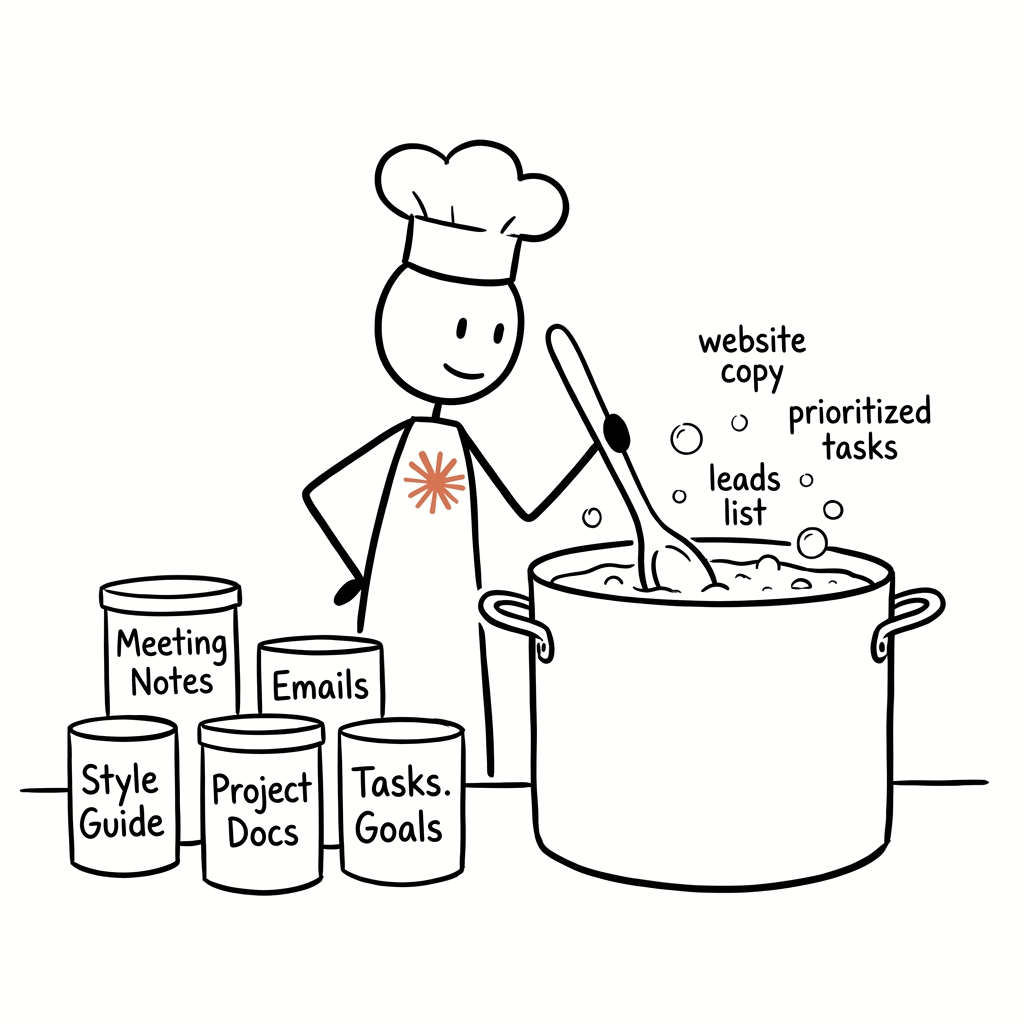
Stocking the Kitchen
Once the kitchen is set up, you need ingredients.
The Pantry (your file system):
- Your notes, tasks, meeting notes and more — all as plain text files
- Custom instructions for Claude
- Custom agents
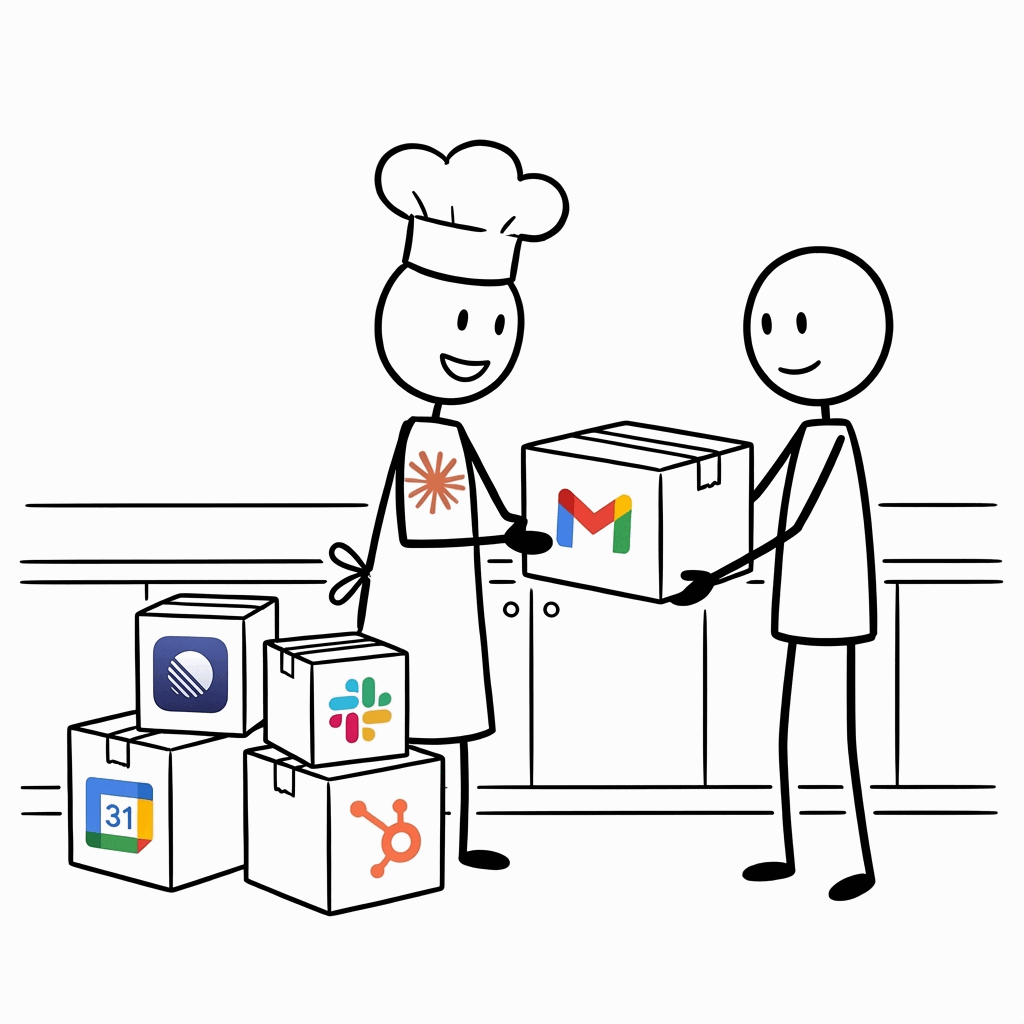
External Suppliers (connect as needed):
- Email & communication (Gmail, Slack, Calendar)
- Cloud services (Stripe, Apollo, CRMs)
- Web search and research
Claude can call external services when the recipe requires it, but the cooking happens in your kitchen.
Why local first? When you rely on external suppliers, you’re dealing with late deliveries, miscommunications, things not being what you expected. If possible, it’s better to have your ingredients on hand.
Multiple devices, one kitchen. We use Obsidian because your files exist locally on each device — not just in the cloud — and stay synced. Claude on any machine sees the same files, same context.
Why Claude Code?
Claude Code isn’t a chatbot. It’s an agent that lives on your computer.
It works on your files. No copy-pasting. Claude reads your notes, your tasks, your projects.
It takes action. Claude can edit files, run commands, and search across everything.
It learns. Over time Claude gets better at knowing how you work, what you want, and where things are.
How This Works
The course has three phases:
Foundation — Get the tools installed, migrate your data, and run your first commands.
Practice — Capture ideas with voice, shape Claude’s outputs with reference files, run weekly reviews.
Integrate — Connect external services like Gmail and Slack. Run multiple Claudes in parallel.
By the end, you’ll have a system that’s yours.
What you’ll be able to do:
- Speak a thought into your phone and let Claude file it in the right place
- Run
/weeklyfor a review based on what you worked on that week - Draft email responses without leaving your workspace
- Ask Claude to find patterns across months of meeting notes
- Run multiple Claudes on different tasks in parallel
Before We Start
I’m Derek. I run multiple businesses using Claude Code and text files.
If you get stuck, email derek@newyorkai.org with questions.
Is there something you want to see? Let us know. We’re updating the course based on your feedback.