What Are Subagents?
You may want Claude to do multiple things at once.
Claude can spin up multiple agents to take on differnet parts of the task.
How They Work
Each subagent gets its own sandbox. They don’t see your main conversation or each other’s work - just the specific context you give them.
- Each focuses on its assigned task
- They run in parallel, not waiting on each other
- Results synthesize back into your main conversation
When to Use Them
Good fit:
- Feedback from multiple perspectives
- Researching several topics at once
- Processing a batch of non-overlapping tasks
Skip it:
- Simple tasks
- Steps that depend on each other
- Quick edits
Example: Swarm Feedback
One of my favorite use cases for subagents is for editing.
I point Claude at my [reference folder], and each agent uses one file as it’s lens for providing feedback.
What happens:
- Claude spins up parallel agents for editing (22 at once is my record)
- Each agent reads a different file from your
/reference/folder more info - Agents evaluates your work through that lens
- Claude synthesies the insights from the editors, and provides suggestions
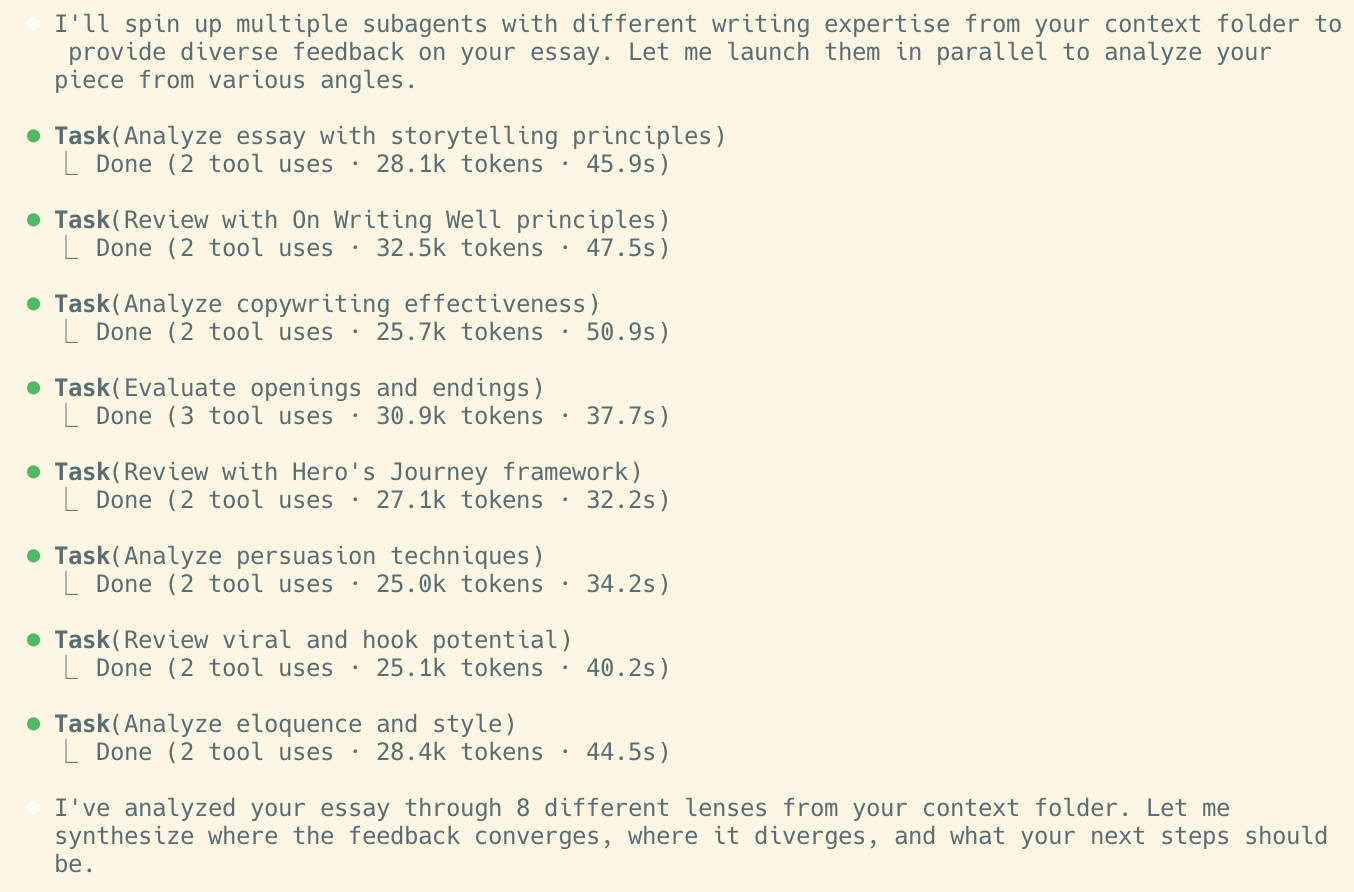
The /editors command should be pre-installed in your workspace. If you don’t see it, copy this into your terminal (can type in ! in claude code to switch to bash (i.e. terminal) mode):
Use it:
- Type
/editors - Tag a file with @ and provide any context. Hit enter.
- Each subagent gives you: what works, what doesn’t, what’s missing
Breaking off Tasks
In addition to feedback, you can ask Claude to split up tasks to take on in parallel.
Or:
Claude will figure out how to divide the work.
“Agents” in Claude Code are pre-configured profiles you create with instruction files (similar to commands). Subagents are temporary workers Claude spins up mid-conversation.
Questions? Feedback? Email derek@newyorkai.org