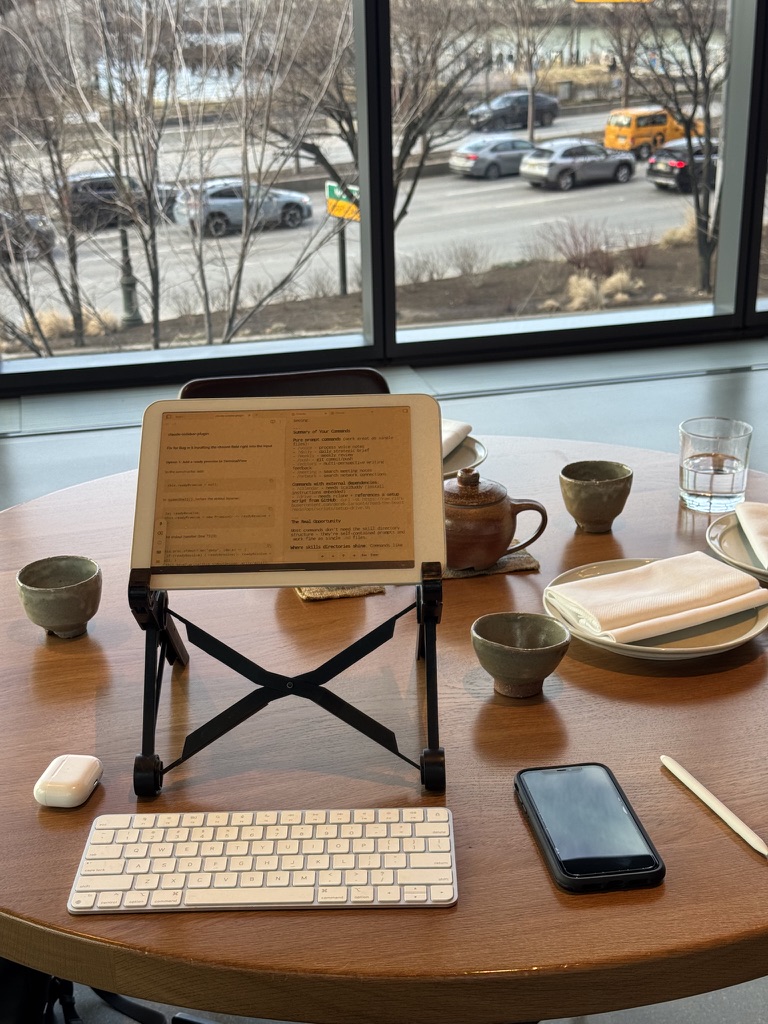
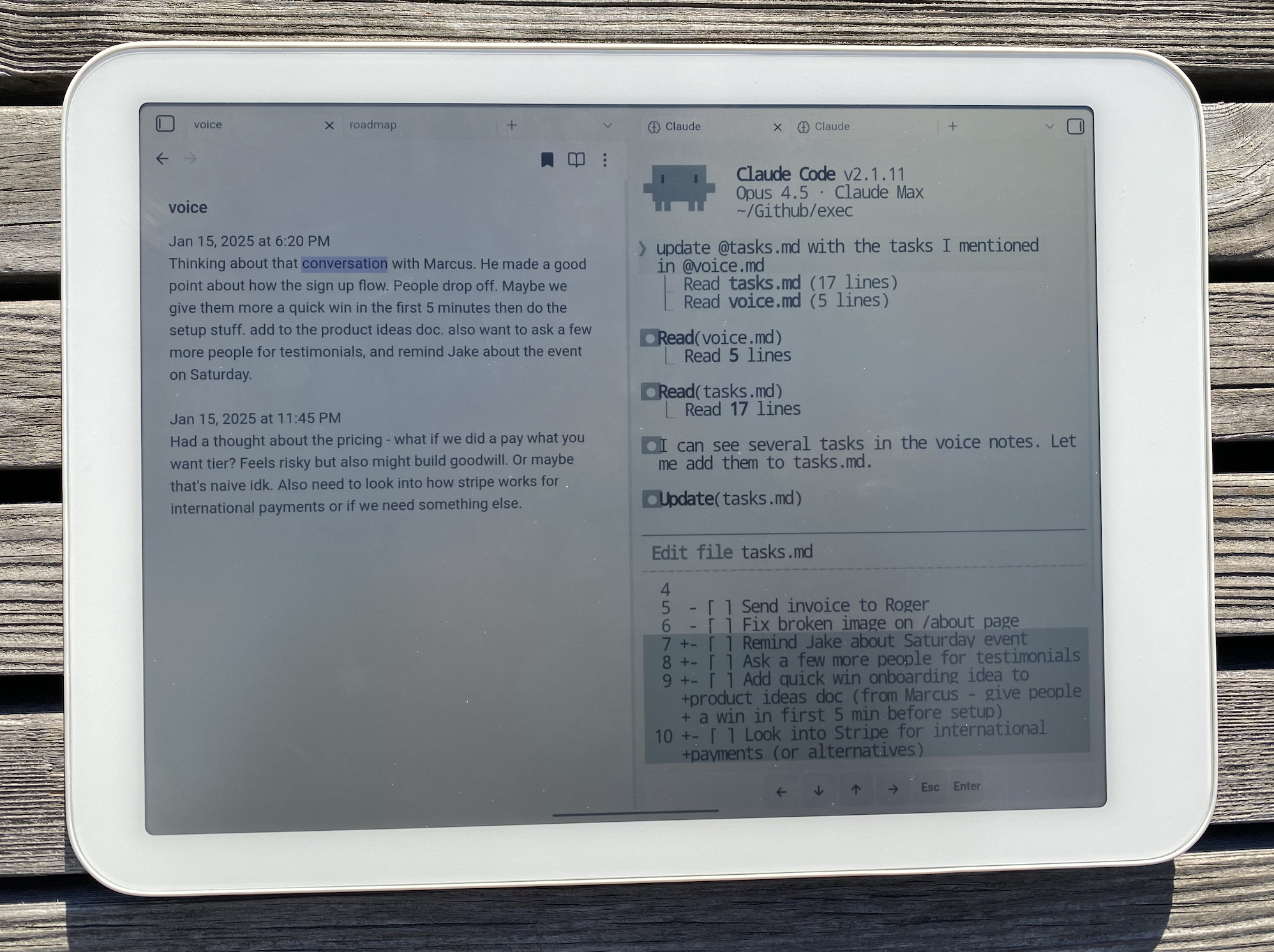
Claude Code is built for desktop. But with Claude Anywhere, you can control your desktop workspace from your phone or tablet.
What You Need
- Mac with Claude Code installed (needs to stay on)
- Tailscale on both devices (free)
- File sync already working (Obsidian Sync, iCloud, etc.)
- External keyboard recommended
Mac Setup
1. Install Tailscale
Download from tailscale.com/download, open the app, sign in.
2. Install the plugin
From Claude, type ! to enter bash mode, then paste:
3. Enable remote access on Mac
- Restart Obsidian
- Settings → Community plugins → Enable “Claude Anywhere”
- Settings → Claude Anywhere → Enable Remote Access
4. Keep Mac awake
Your Mac needs to stay on while you’re using it remotely.
System Settings → Battery → Options → Prevent automatic sleeping when the display is off
Or use Amphetamine for more control.
Mobile Setup
1. Install Tailscale
Download on your phone/tablet, sign in with the same account.
2. Get the plugin
If using Obsidian Sync:
- Settings → Sync → Enable “Installed community plugins”
- Restart Obsidian
If using iCloud: The plugin files sync with your vault automatically.
3. Connect
- Settings → Community plugins → Enable “Claude Anywhere”
- Command palette (swipe down) → search “Claude”
Troubleshooting
If it’s not connecting, check that both devices show as online in the Tailscale app.
Full details and config options: github.com/derek-larson14/obsidian-claude-anywhere